
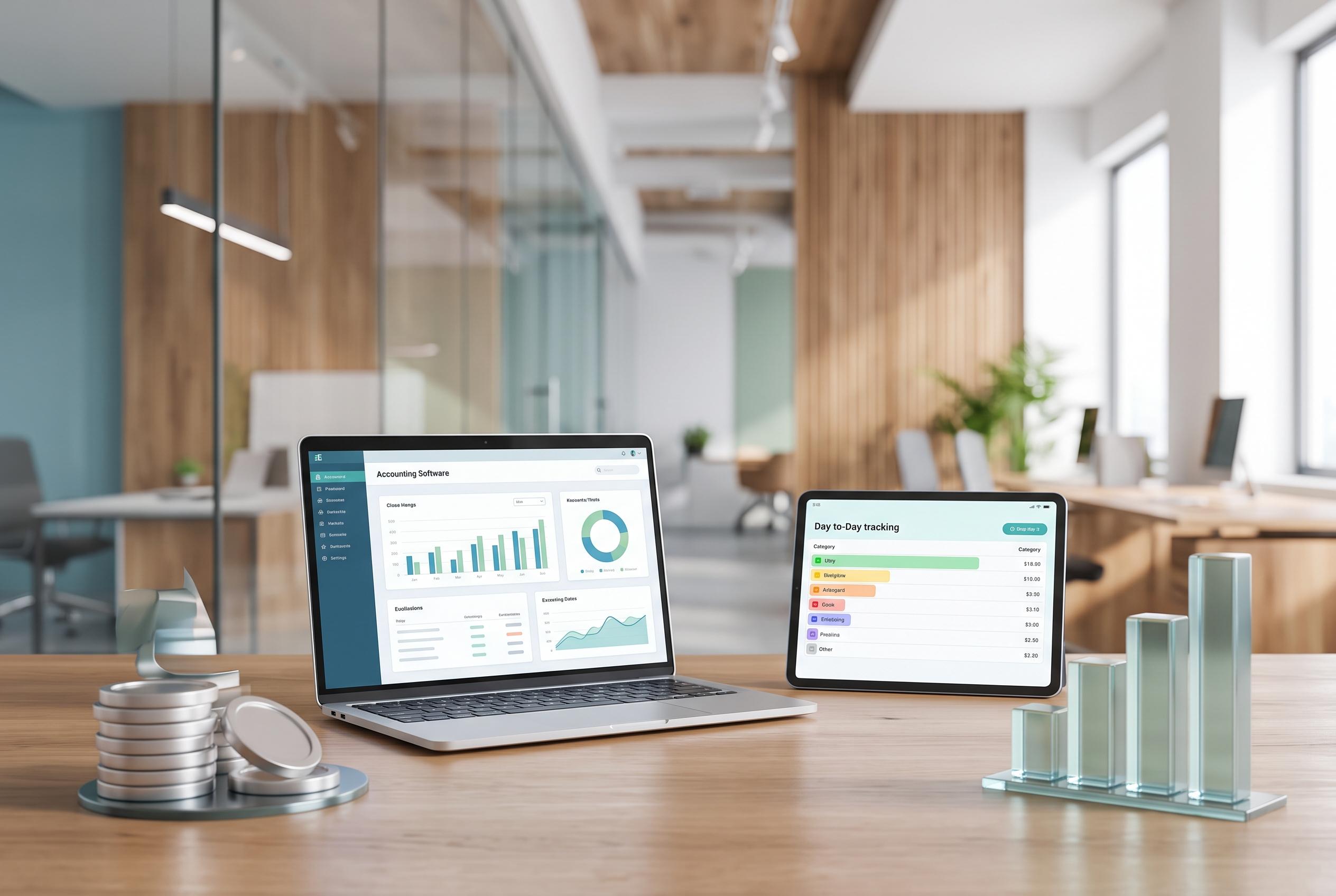

A variety of free personal finance software options now offer tailored features, from structured accounting to simple day-to-day tracking, helping users manage their money more effectively without the cost.
Free personal finance software can do a lot of the work a spreadsheet once handled on its own. It can help people track income, bills, debt, savings and day-to-day spending, while also showing whether the bigger picture is moving in the right direction. The best option usually depends on what matters most: simple budgeting, account imports, net worth tracking, bill reminders or retirement planning.
For people who want proper accounting at no cost, GnuCash stands out. According to its website, the open-source programme supports personal and small-business use, works on Linux, macOS, Windows and other systems and uses double-entry accounting to keep books balanced. That makes it better suited to users who want structured records, reports and more control than a basic budgeting app can offer.
HomeBank is aimed at people who want to move away from spreadsheets or older finance tools without a steep learning curve. Its site says the software supports importing QIF, OFX, QFX and CSV files, which can make it easier to bring across past records. HomeBank also offers charts and filtering tools, so users can analyse spending patterns and budgets without needing advanced accounting knowledge.
For simpler day-to-day tracking, Money Manager Ex and Buddi both appeal to users who want something light rather than full bookkeeping. Money Manager Ex is open source and available across major desktop systems, while Buddi was designed for people with little or no financial background. AceMoney Lite is another option, though its free version is limited to two accounts, which may be enough for a single person but less useful for a larger household.
Not every free tool is built around budgeting. Empower, formerly Personal Capital, is better described as a financial dashboard. Its website says the free service links accounts to show net worth, investments and retirement data in one place. That makes it useful for people focused on portfolio tracking and long-term planning, but it is not a full replacement for budgeting software with detailed ledger functions.
There are trade-offs to nearly every free option. Some tools rely on manual entry, some cap the number of accounts and some offer fewer alerts or weaker mobile features. Others prioritise privacy or offline use, while linked dashboards offer more automation. As National Debt Relief notes, a free tool is not the same as a free trial, and YNAB’s 34-day trial should not be confused with software that remains free to use.
The best approach is to start with one clear goal and one tool. A user who mainly wants to control spending may prefer a desktop programme. Someone juggling multiple investments may want a dashboard. People moving from old software should check import support first. In the end, the right free personal finance software is the one that fits a person’s records, habits and level of comfort.
Disclaimer: This article is intended to inform and educate, not to recommend or endorse any financial product, investment or strategy. Please consider your own financial circumstances and seek professional advice where appropriate before making financial decisions.