

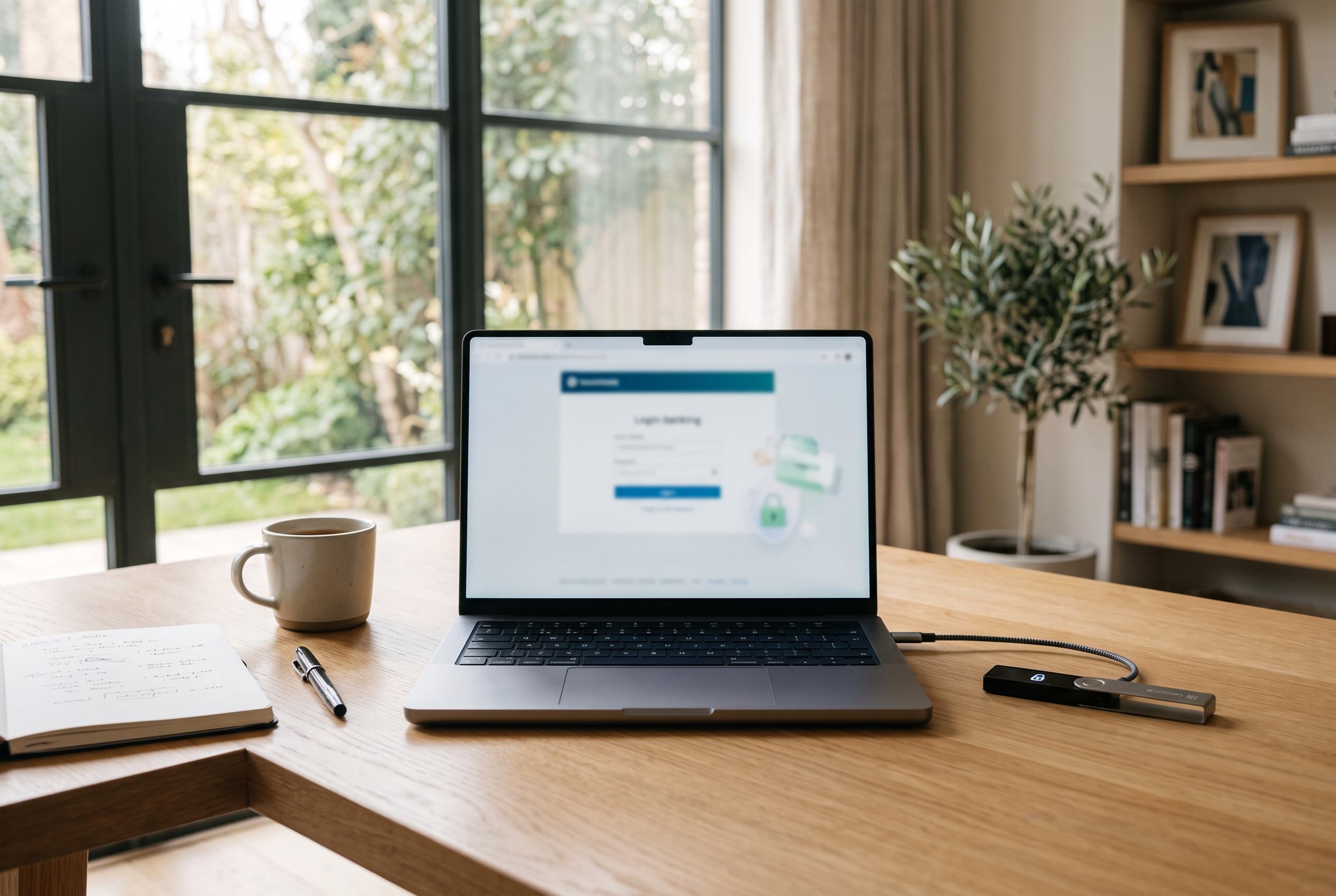

Experts endorse a specialised, offline-focused device for financial transactions, but warn that disciplined online behaviour is essential for safeguarding accounts against increasingly sophisticated cyber threats.
A second computer reserved for money matters can reduce the number of ways criminals get near your bank and investment accounts, but security specialists and official guidance suggest the real protection comes from discipline rather than hardware alone. The safest version of the idea is not simply “buy another laptop”; it is to keep one machine for financial tasks only, strip out unnecessary software, and resist the urge to use it for ordinary web browsing, shopping, email or social media.
That approach has been endorsed for years by both cyber-security researchers and regulators. An archived consumer leaflet from the Federal Deposit Insurance Corporation tells households to consider using a separate computer solely for online banking or shopping, and says some people even repurpose an older PC after removing unneeded software and running a full malware scan. Michael Benardo of the FDIC’s Cyber Fraud and Financial Crimes Section warned that unsecured access points such as internet connections, email accounts and wireless networks can leave consumers exposed, adding that neglecting them is “like leaving the front door wide open while away”.
The technical advice is more exacting than most consumers realise. Sophos, citing long-standing SecureWorks guidance, says a dedicated machine should begin with a clean, fully updated system and sit behind a firewall, which for many households means making sure the home router’s protections are enabled. It also recommends switching off wireless where practical and connecting by Ethernet cable instead, then powering the machine up only when it is needed for transactions involving financial or other sensitive personal information and shutting it down afterwards. For users who want a more locked-down option, both Sophos and Krebs on Security point to a live CD, a read-only operating system that boots separately rather than relying on whatever is installed on the hard drive.
The stricter the boundaries, the more useful the device becomes. Krebs on Security argues that the dedicated-machine strategy falls apart once people start making “just this once” exceptions for general browsing or email. Its advice is to restrict the computer to the handful of sites needed to manage money, rely on bookmarks rather than typing addresses from memory, and, where possible, use tools such as firewall or DNS rules to narrow what the machine can reach online. Krebs also notes that many banking malware campaigns have historically focused on Windows, so users able to choose a different operating system may reduce their exposure, although it adds that antivirus is not a substitute for caution and good judgement.
Even so, a separate computer is not a magic shield. The Canadian Centre for Cyber Security warns that online banking can be compromised through phishing messages carrying malicious attachments or links disguised as banking services, while fake banking and money-transfer apps can also be used to harvest credentials. If a device is infected, the centre says threat actors may collect sensitive information and gain access to accounts. Its advice is broader than simply isolating one machine: lock devices with a PIN, use strong passphrases, keep firewalls and anti-virus protection in place, and patch software promptly so known vulnerabilities are not left open.
Mobile banking creates another layer of risk rather than an escape from the problem. In a consumer guide, Malwarebytes cited banking IT specialist Seth Goldstein as saying mobile banking benefits from a tighter ecosystem than desktop banking, but is still far from foolproof. The company urged users to download only the official bank app, avoid public computers, and stay off public Wi‑Fi when accessing accounts. MidFirst Bank gives similar advice, telling customers not to sign in over public or unknown wireless networks. That matters because a customer who is careful with a “banking-only” computer can still undermine the whole setup by checking the same account from an unsecured hotel lounge or café network.
Good habits away from the keyboard are part of the same security picture. MidFirst tells customers to change passwords regularly, avoid obvious choices, review statements often and check their credit reports at least once a year. Its fraud-prevention advice also ranges beyond digital threats, warning about bogus cheque scams and urging consumers to verify suspicious items using a telephone number from a reliable source rather than one printed on the cheque itself. The Canadian government guidance makes a similar point in another form: protecting online banking means protecting sensitive financial information wherever it is stored, entered or transmitted.
For people with large savings, business accounts or retirement pots, a dedicated device may still be a sensible extra barrier, particularly if it is cheap, basic and used rarely. The common thread running through the FDIC, Sophos, Krebs, Malwarebytes and banking-sector advice is not that everyone needs a specialist machine, but that fewer functions mean fewer openings. A clean computer, used only to sign in to financial services, updated promptly, connected through a trusted network and then switched off, is harder to compromise than the family laptop covered in browser extensions, old software and everyday clicks. The separate-computer idea works best not as a silver bullet, but as one way of making careless behaviour less likely.
Disclaimer: This article is intended to inform and educate, not to recommend or endorse any financial product, investment or strategy. Please consider your own financial circumstances and seek professional advice where appropriate before making financial decisions.