

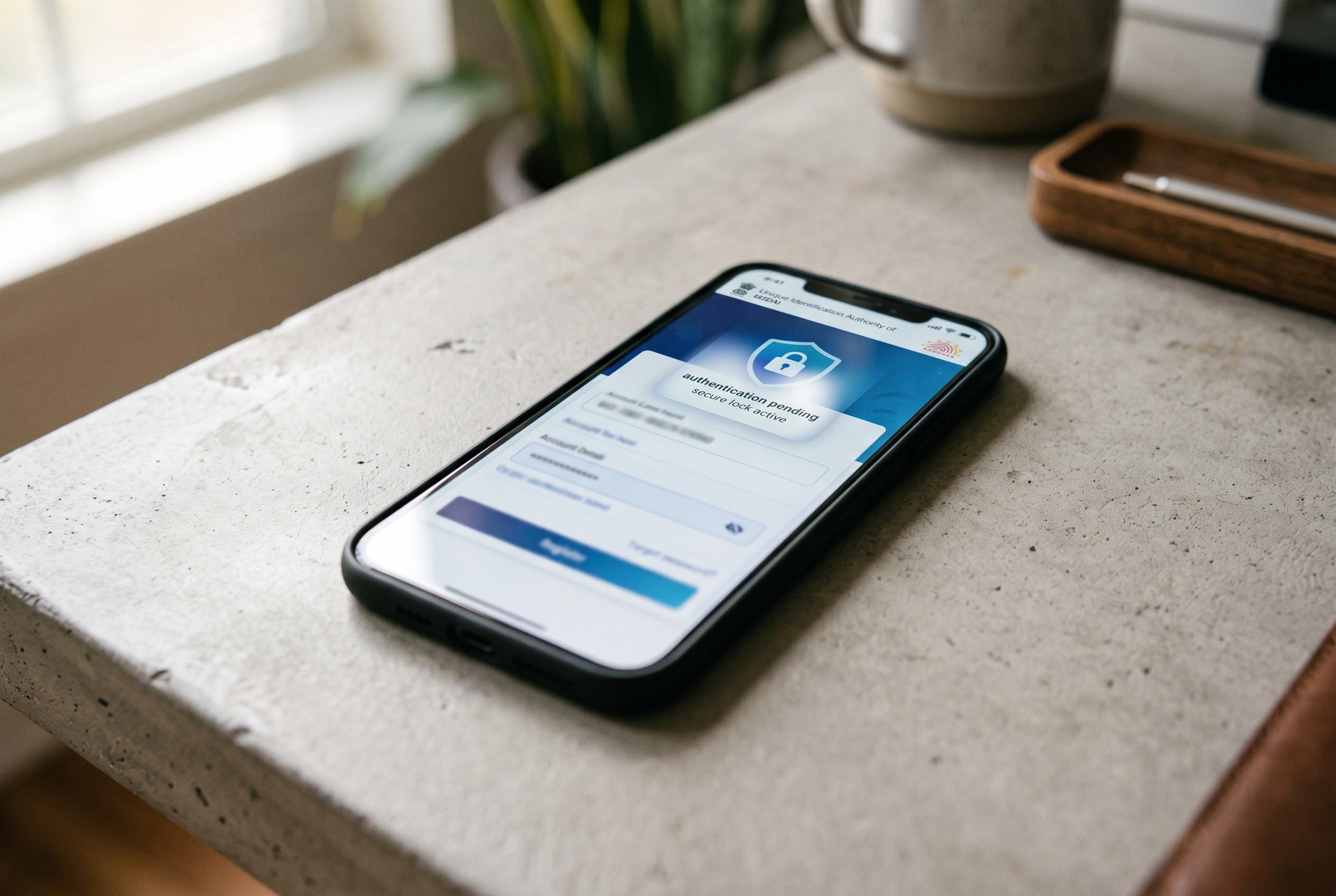

UIDAI introduces an advanced biometric locking feature via its official app, allowing users to temporarily disable fingerprint, iris, and face authentication, boosting control over personal data amid rising digital security concerns.
Aadhaar users looking for an extra layer of security can now manage biometric locking through the official app, a feature that allows them to block fingerprint, iris and face authentication until they choose to switch it back on. The updated app is available on Android and iPhone, and UIDAI says it also supports services such as downloading e-Aadhaar, checking authentication history, updating a mobile number and tracking service requests.
The biometric lock is different from Aadhaar number locking, which is broader. Biometric locking only affects the use of registered fingerprints, iris scans and facial recognition for authentication. If the feature is switched on, attempts to verify identity through those methods will fail until the user temporarily unlocks them or turns off the lock completely.
Before using the app, UIDAI says residents need a supported smartphone, an active internet connection, their Aadhaar number and the mobile SIM linked to that Aadhaar. Registration involves choosing a language, entering Aadhaar details, accepting the terms, selecting the linked SIM, completing face authentication and setting a six-digit PIN for the app. Once signed in, users can open the biometric lock and unlock service and confirm their choice through the app’s authentication step.
For people who do not have internet access, UIDAI also supports several Aadhaar services through SMS sent from the registered mobile number to 1947, including VID generation, OTP requests and locking or unlocking options. A VID, or Virtual ID, is a temporary 16-digit number that can be used in place of the Aadhaar number in some cases. Mint reported that biometric lock and unlock functions have already been used more than 1.91 crore times, suggesting growing interest in tighter control over Aadhaar-linked personal data.
Disclaimer: This article is intended to inform and educate, not to recommend or endorse any financial product, investment or strategy. Please consider your own financial circumstances and seek professional advice where appropriate before making financial decisions.